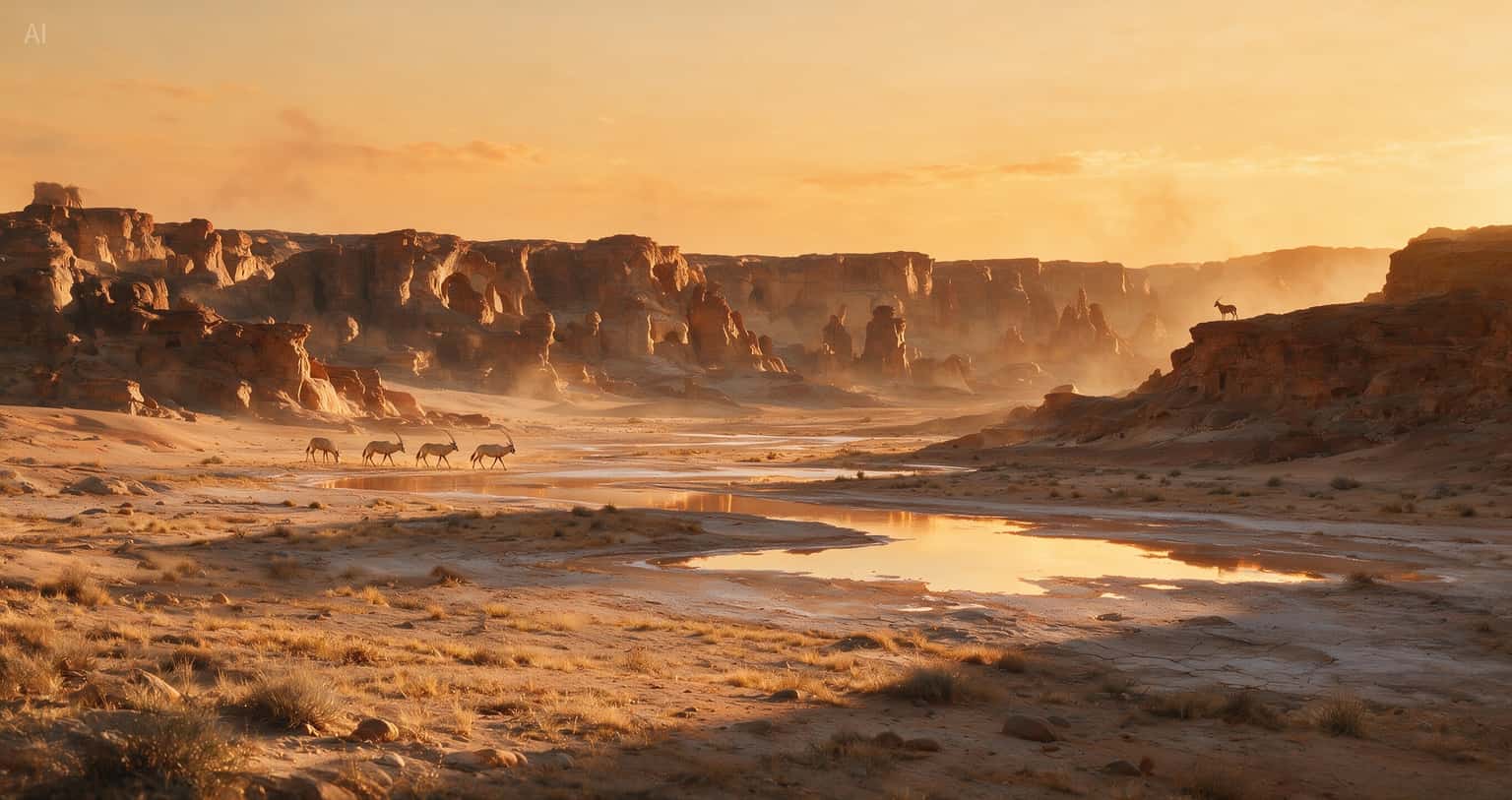
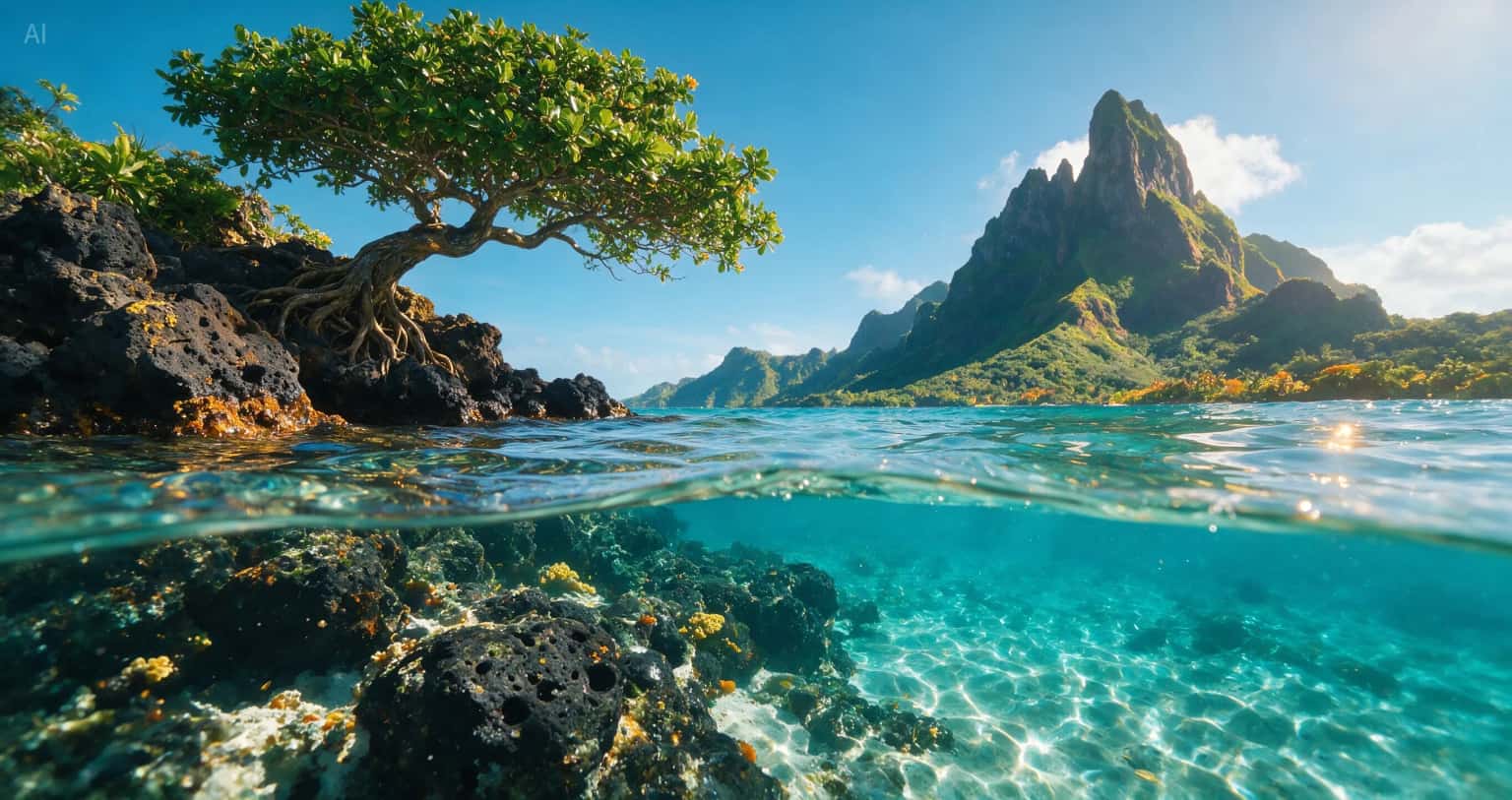
Seedream 5.0 Pro AI-generated tropical island scene with split-level ocean water and mountain landscapeSeedream 5.0 Pro AI-generated desert canyon landscape with warm sunset light and antelope silhouettesSeedream 5.0 Pro AI-generated miniature mountain world carved inside a yellow pencil
ByteDance Seedream 5.5 — Coming Soon

Seedream 5.5 AI Image Generator More Control, From Draft to Final Detail

Transparent assets, precise revisions, readable campaign text, and realistic lighting. Preview what is next for image creation. Seedream 5.5 is coming soon; try 5.0 Pro today.

Click to upload or drag and drop

Max 10 images (0/10)

1K: 2 credits / image · 2K: 4 credits / image

Cost: Free trial

Credits are deducted per generation. Unused credits are refunded if generation fails.

Seedream 5.5: A Preview of What Is Next

ByteDance Seedream 5.5 is coming soon. The official preview focuses on transparent assets, targeted revisions, complex layouts, and realistic portraits with more control over lighting.

Build reusable elements for campaigns, organize text-rich posters, and revise a visual one detail at a time. Plan the composition first, assign references, then refine materials, wording, and light.

This independent site currently offers Seedream 5.0 Pro. Access, pricing, export formats, and lighting controls for 5.5 here have not been announced.

Explore the Seedream 5.5 preview or review the current 5.0 Pro features.
Seedream 5.5 Key Features

Explore the next generation of image creation, from layered scenes and focused revisions to transparent assets, typography, and realistic lighting. Seedream 5.5 is coming soon; final specifications and available tools may change at launch.

01

100-Layer Scene Decomposition

The 5.5 preview targets up to 100 raster layers for dense posters, presentation slides, and motion templates. Scene decomposition separates foreground elements and fills the areas behind them, giving designers more room to adjust a composition.

100-Layer Scene Decomposition example
02

80+ Rounds of Focused Local Editing

Planned improvements target 80+ sequential edits with less drift. Swap a background, relight the scene, change a material, or add text while preserving product geometry, facial identity, and brand labels across revisions.

80+ Rounds of Focused Local Editing before example80+ Rounds of Focused Local Editing after example
03

Native 4K Widescreen Output

Native 3840 × 2160 output at 16:9 is a preview target for wide banners and multi-panel storyboard grids. More pixels give small details and large-format compositions extra room beyond a 2K workflow.

Native 4K Widescreen Output example
04

Transparent RGBA Assets with Partial Alpha

Create isolated assets directly with transparent and semi-transparent regions. Describe glass, soft contact shadows, sheer fabric, and fine hair in the prompt, then check the exported alpha channel before placing the asset over a new background.

Decorative assets and text-bearing stickers presented on a checkerboard background
05

Font and Style Recognition for Text Revisions

Preview plans include recognizing existing font families, weights, colors, and layout hierarchy to match replacement text. Translate or revise English, Chinese, Japanese, and Thai campaign copy while keeping the visual treatment consistent.

Campaign poster with serif headline, supporting text, and a coordinated cream product layout
06

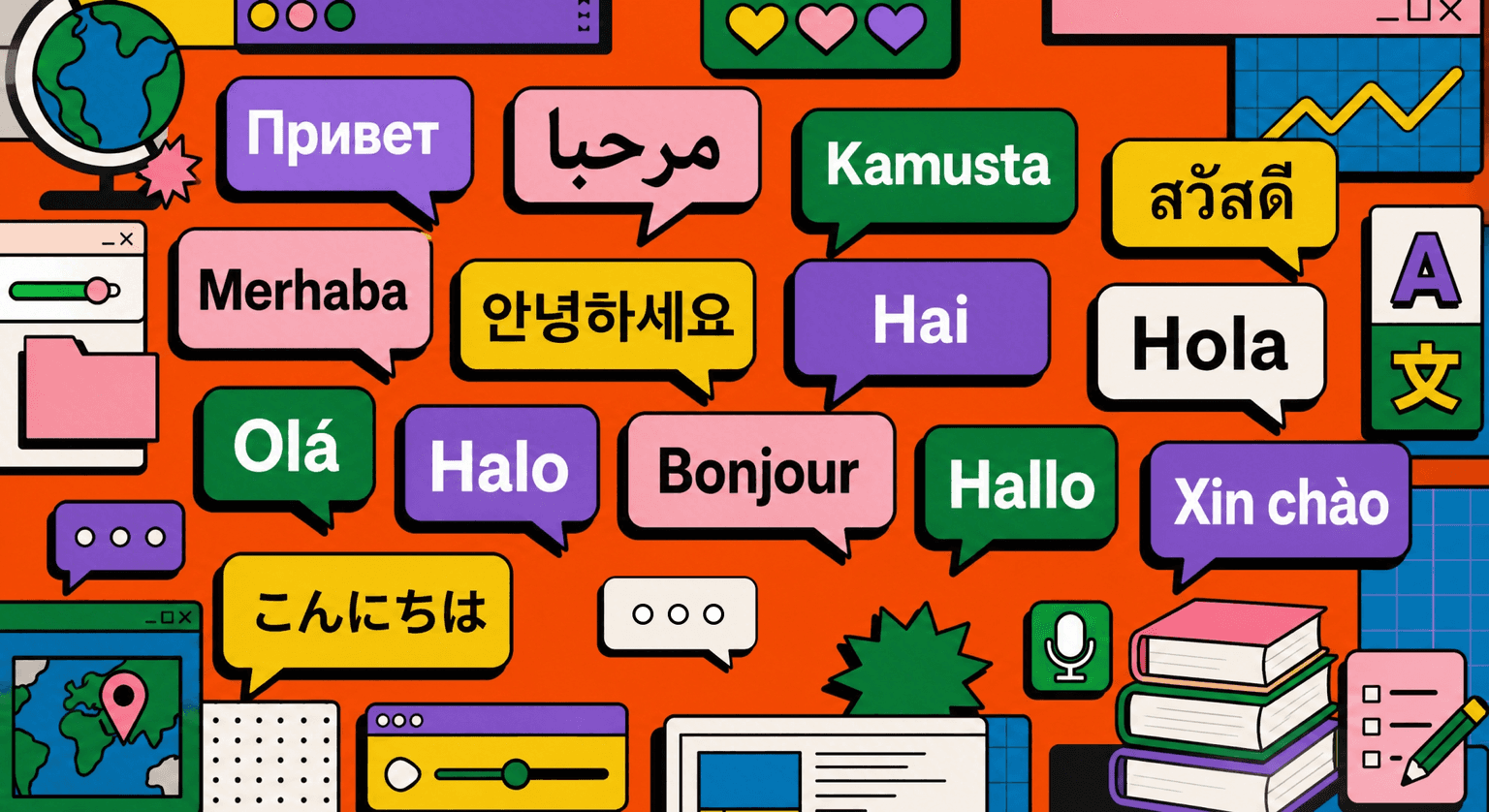
Sharper Multilingual Headlines and Small Copy

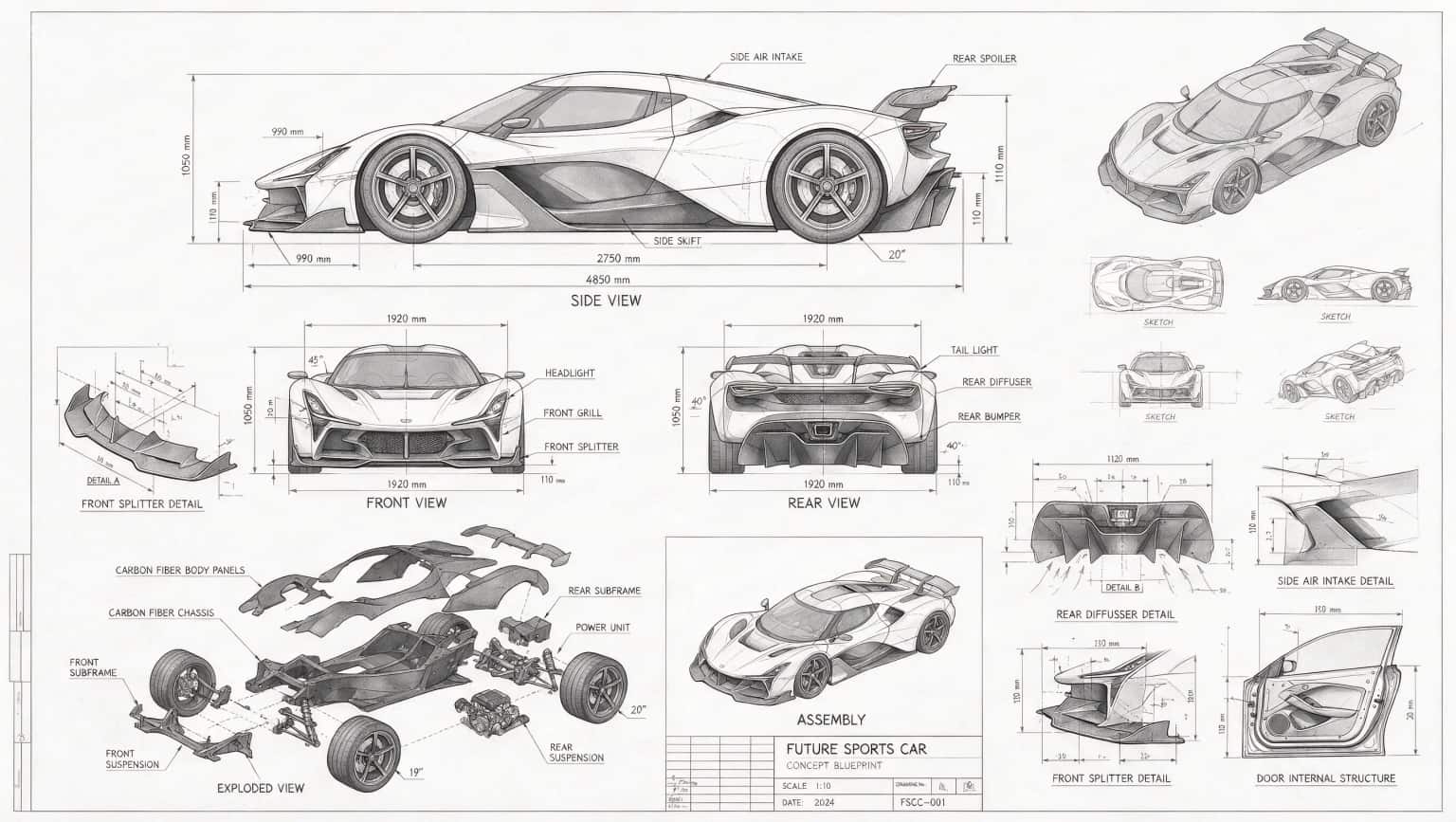
Prepare text-rich designs with clearer pricing, units, dates, bottle volume markings, and promotional fine print. Specify the exact copy and its hierarchy, then proofread small characters and numbers at the final display size.

Colorful speech bubbles with greetings in multiple languages
07

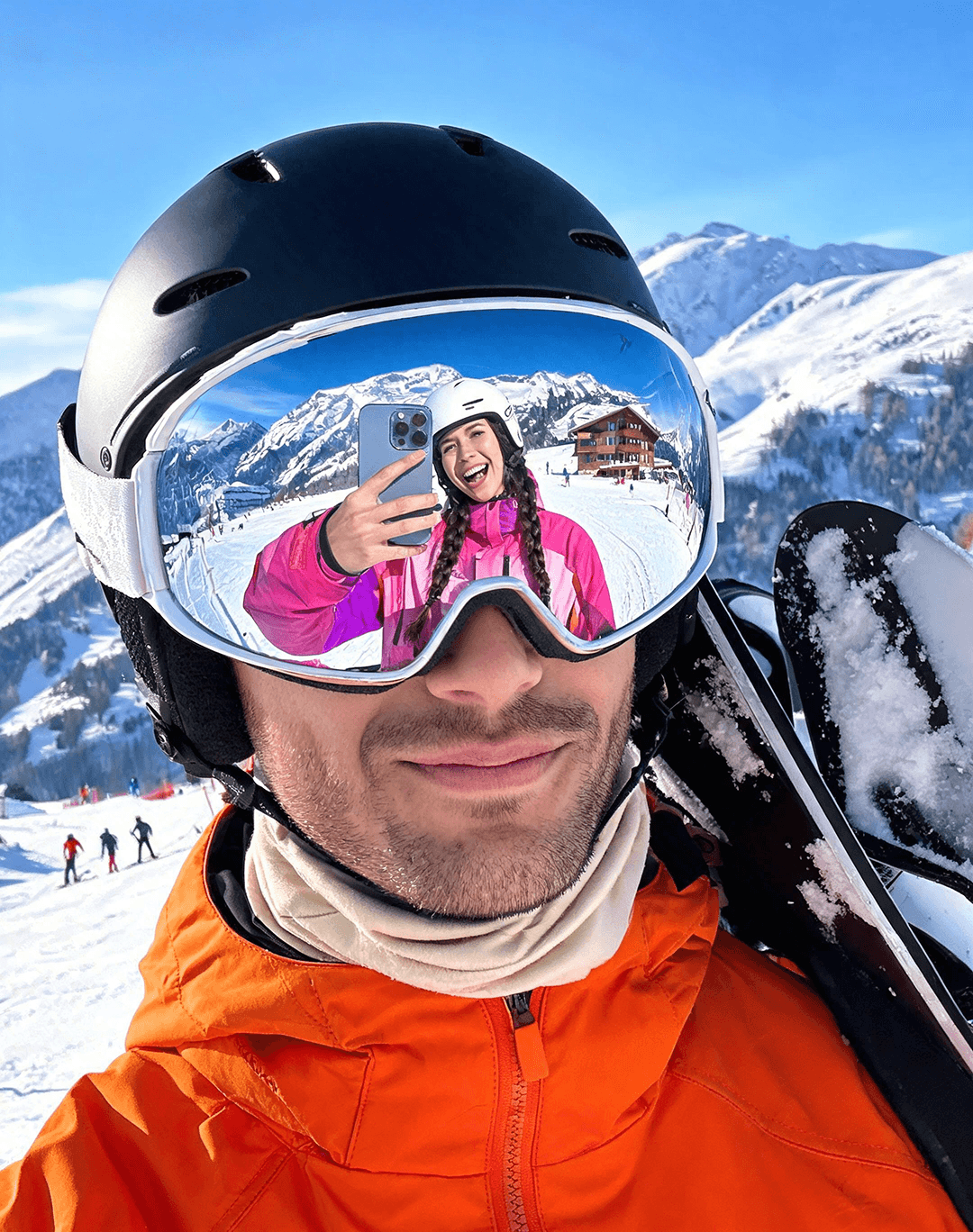
Consistent Materials and Portrait Relighting

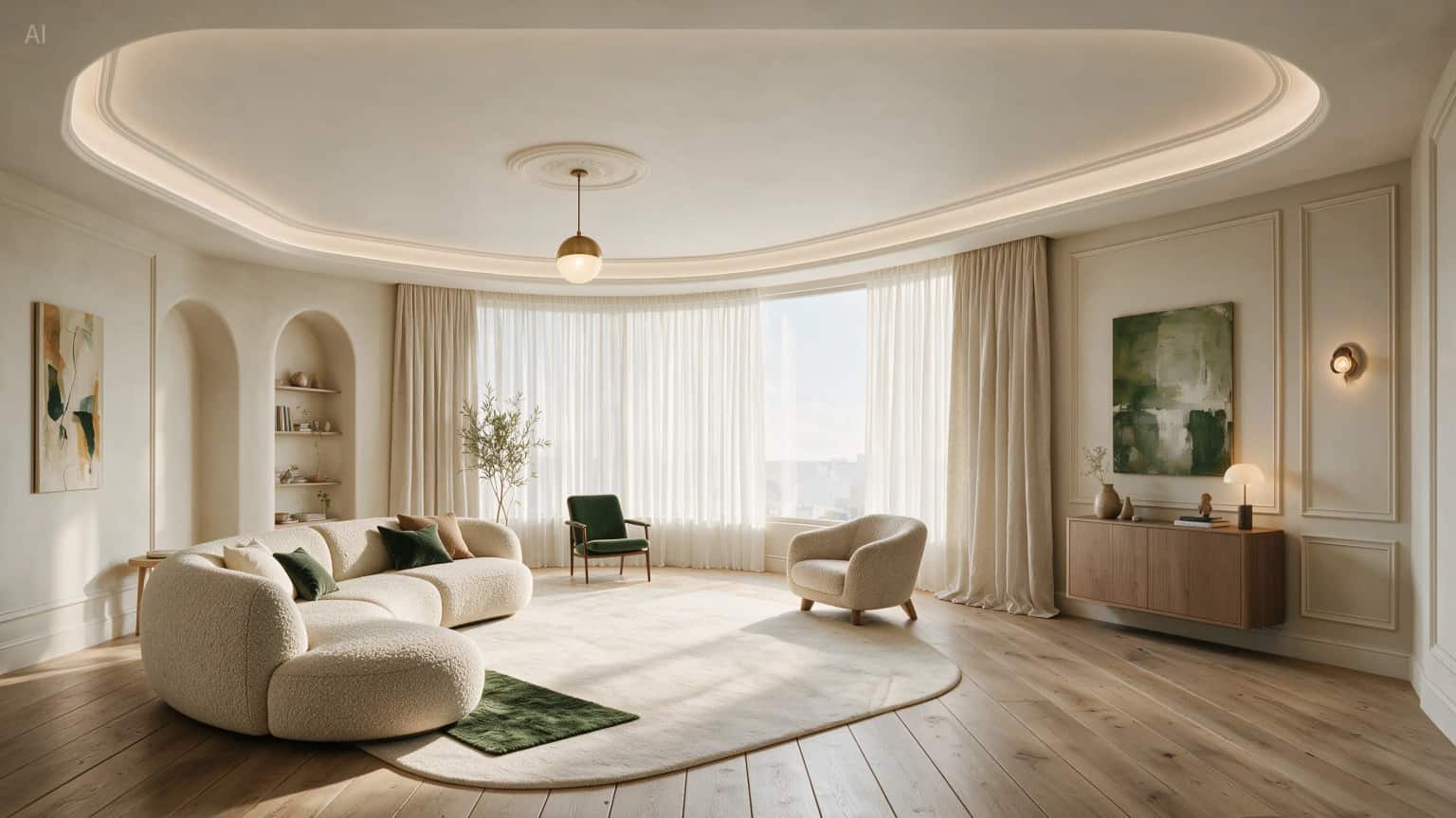
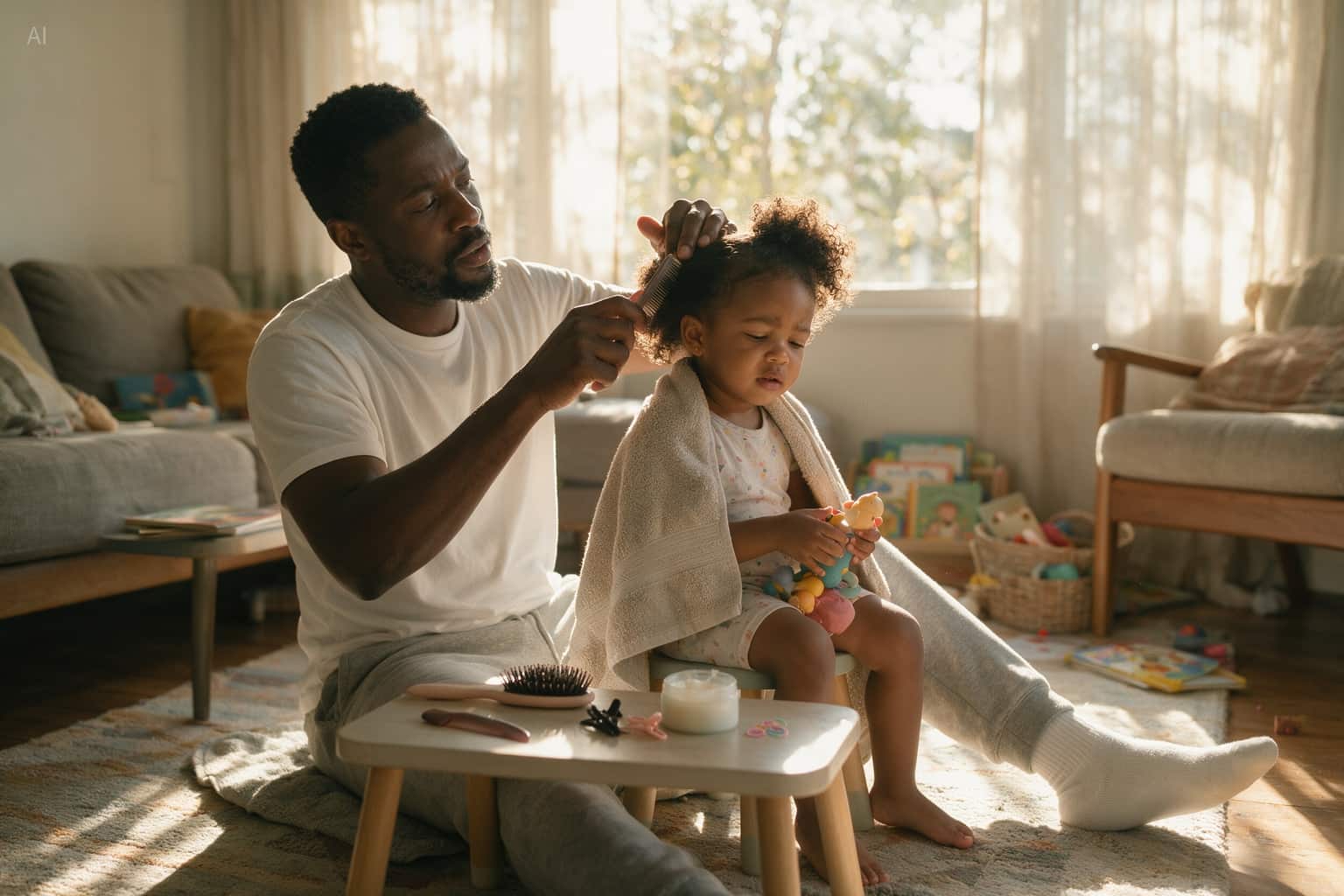
Explore ceramic microtexture, brushed metal, glass refraction, and natural skin under different lighting. Direct the light while checking that reflections and contact shadows follow the scene and that skin texture, product shapes, and labels stay intact.

Cinematic portrait scene with realistic people and mixed lighting on a night street
08

Role-Assigned References and Space for Copy

Give each reference a distinct role: subject identity, color palette, pose, or layout. Define headline and CTA areas alongside those references so the image composition leaves useful negative space for the final design.

Perfume bottle placed on the right of a wide composition with open space on the left

Seedream 5.5 Image Examples

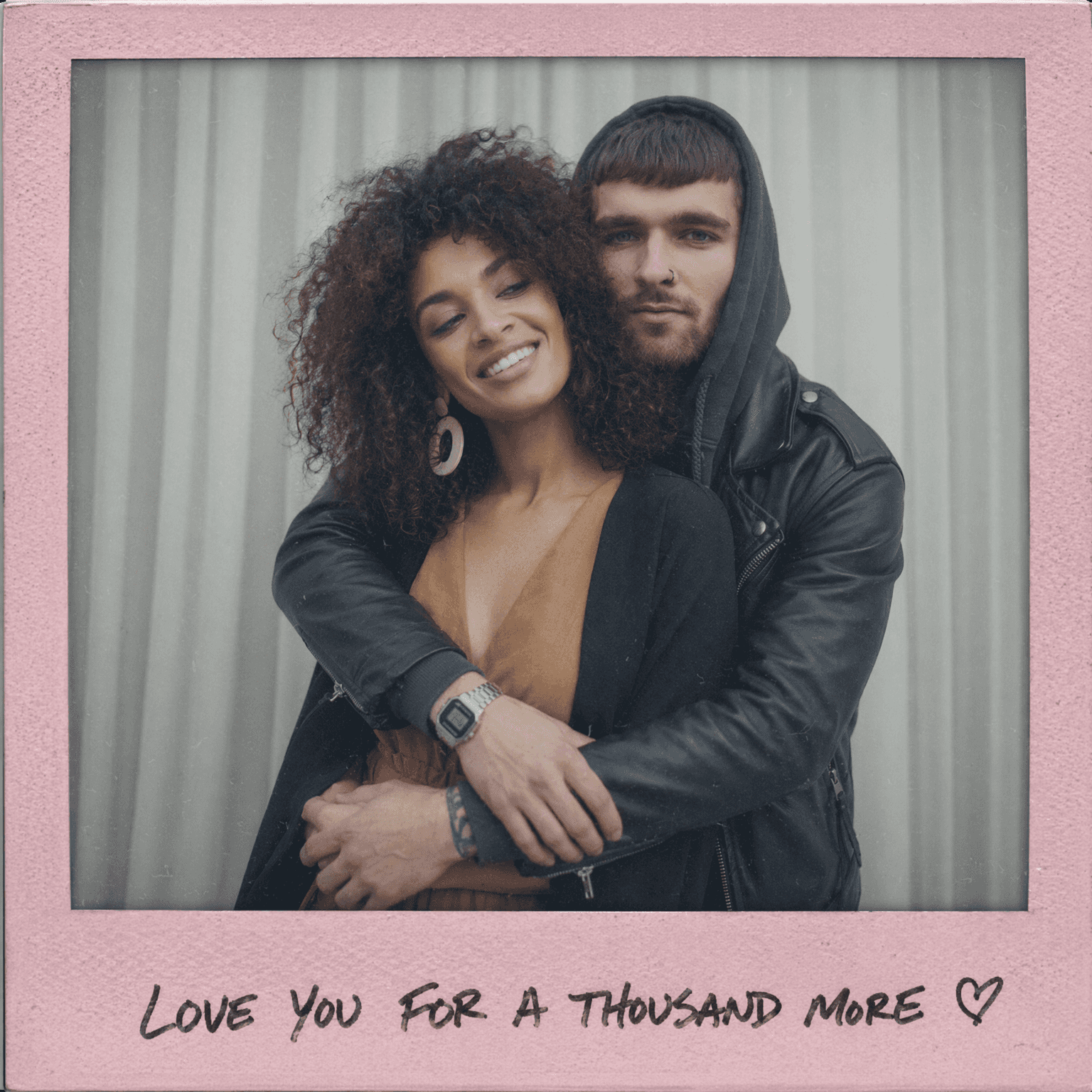
Explore Seedream 5.5 images across campaign posters, character designs, product visuals, and multilingual layouts. Browse the gallery for composition, lighting, typography, and style ideas.

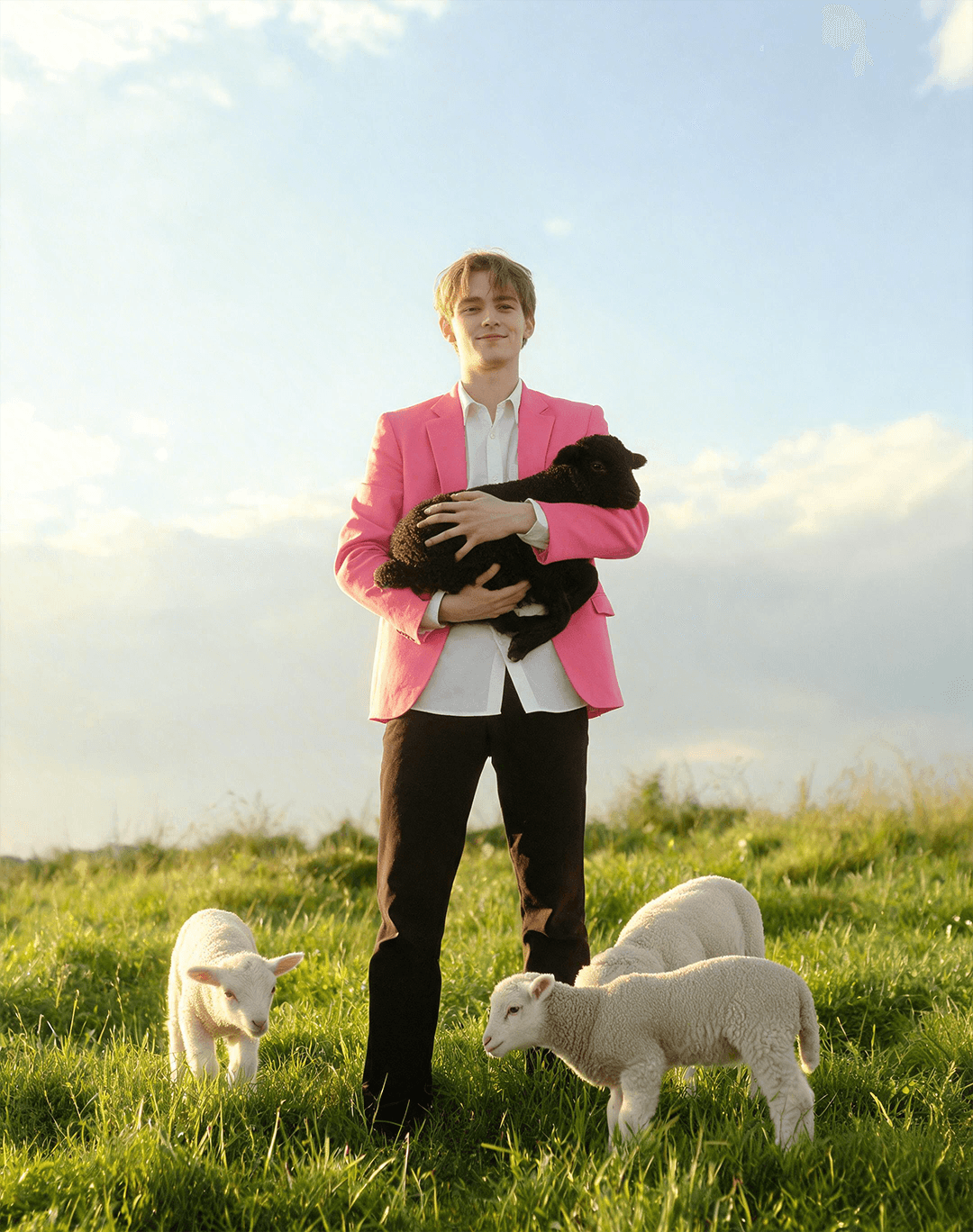
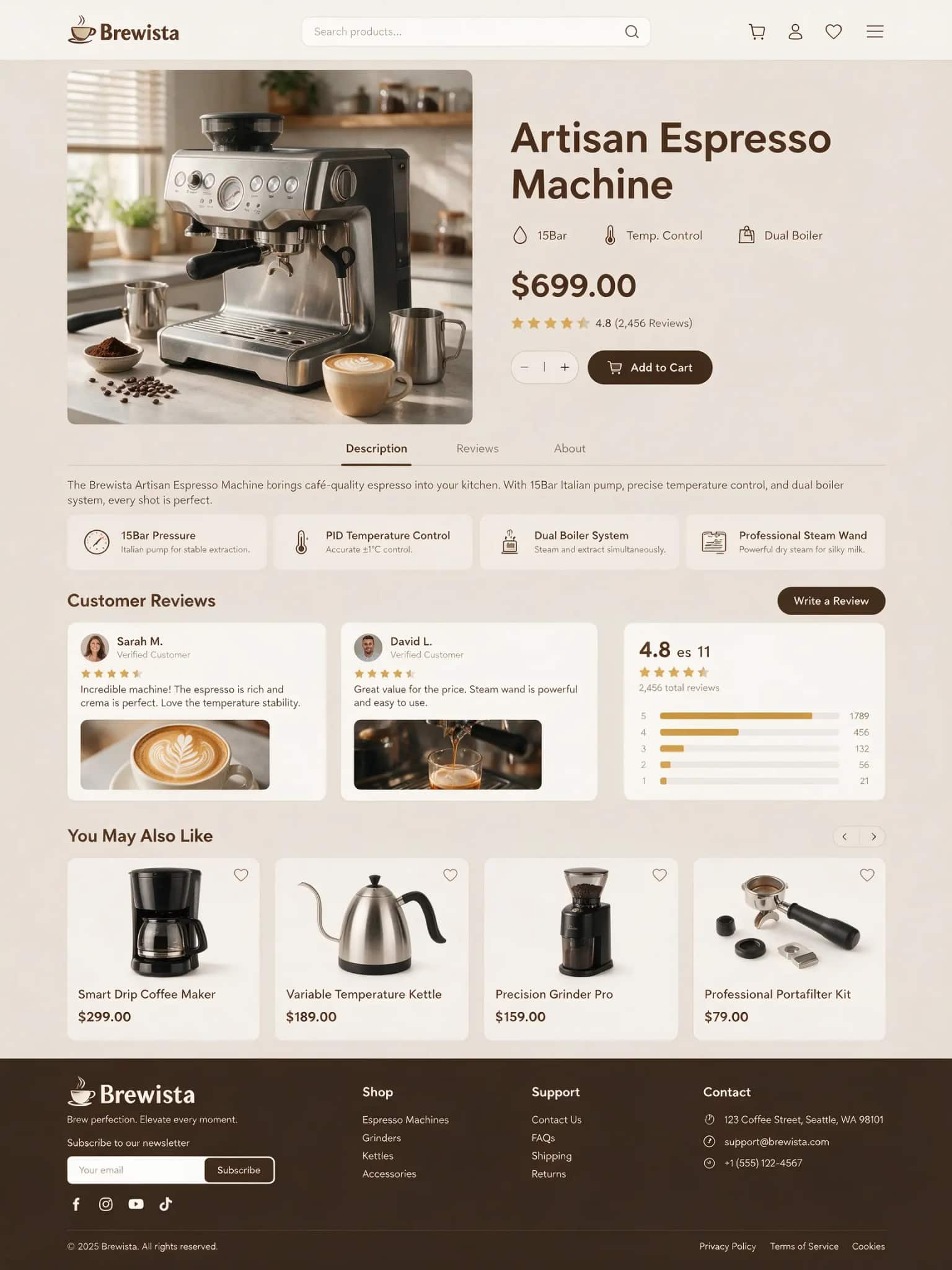
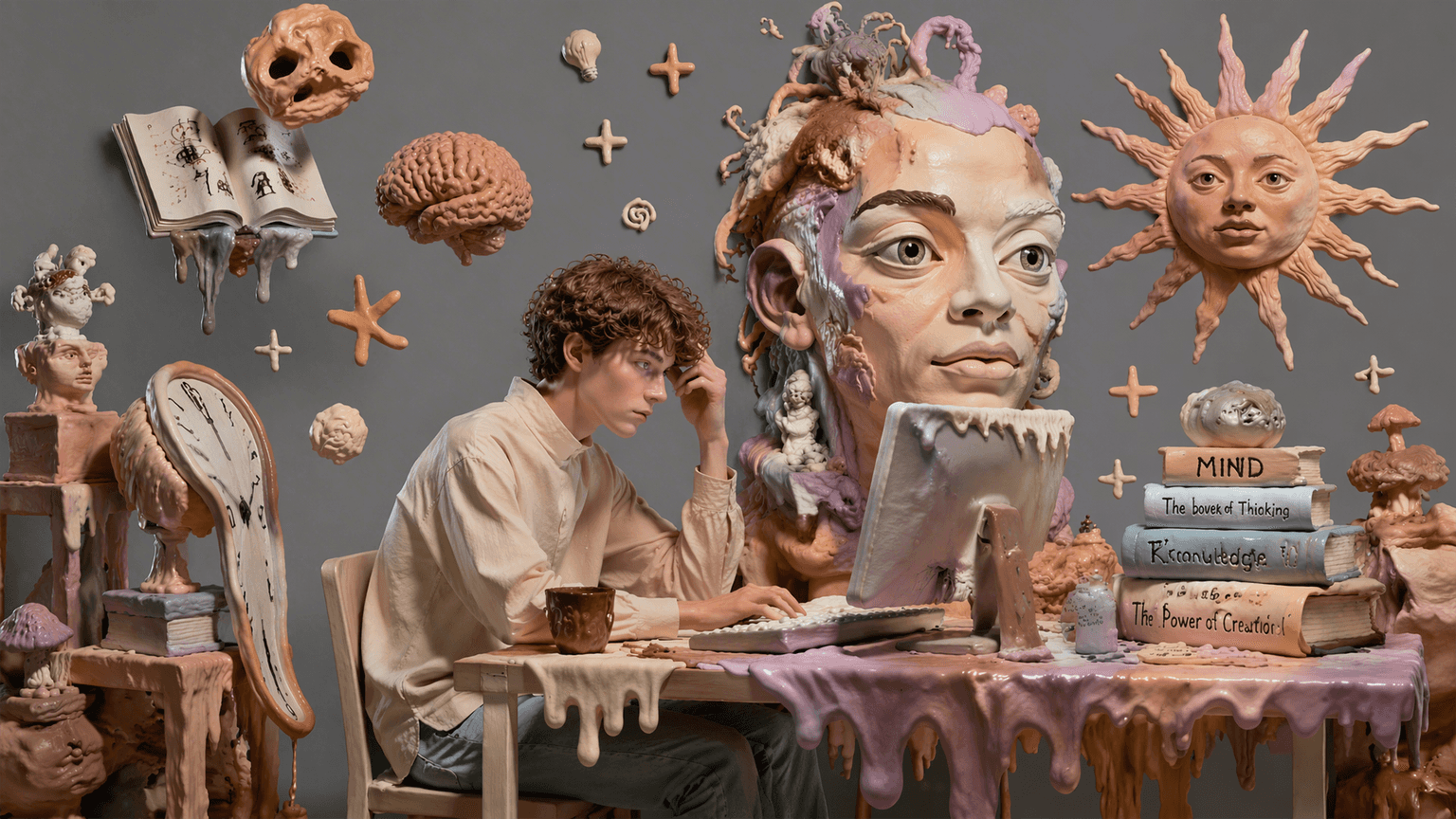
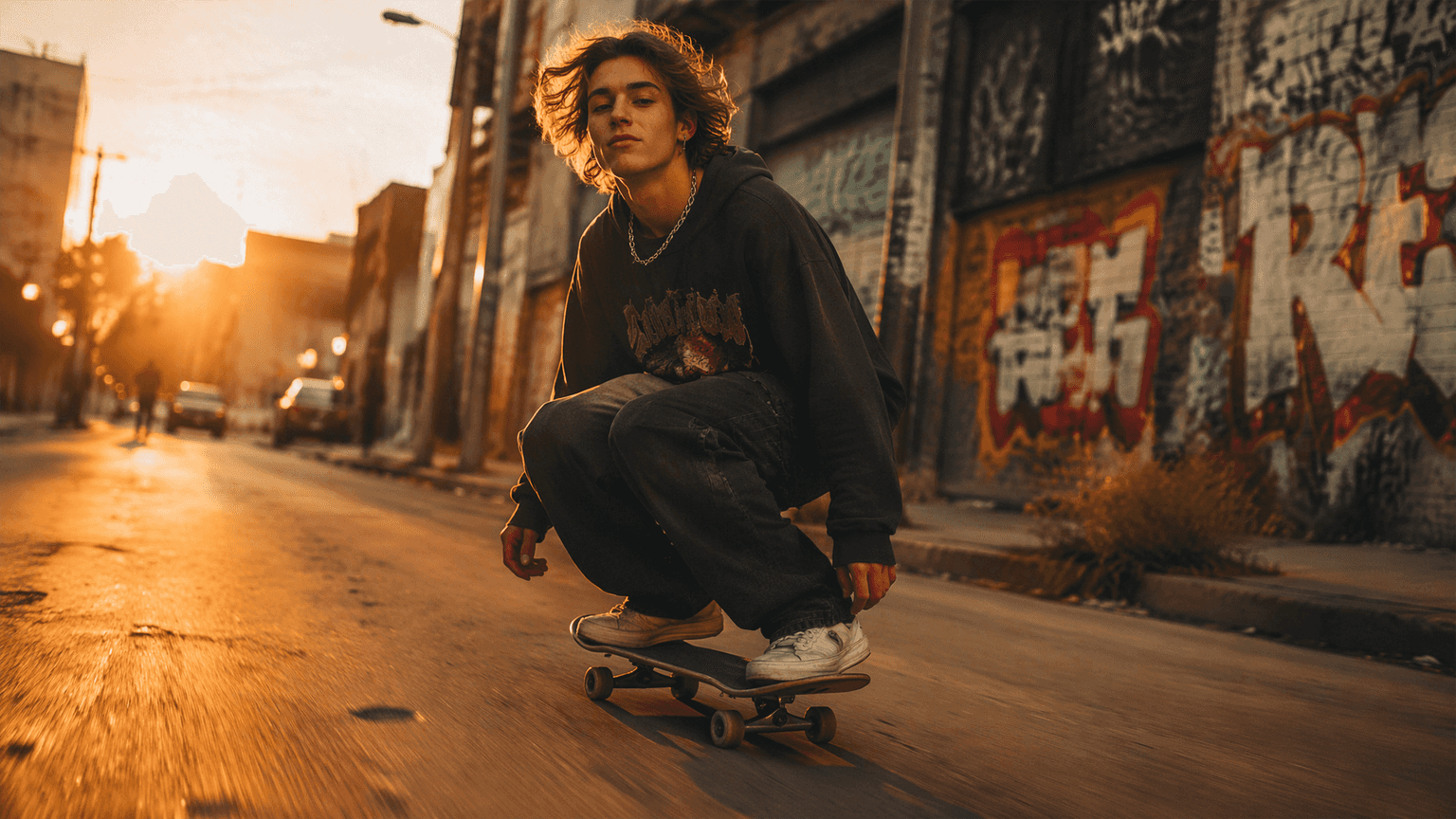
Seedream 5.5 showcase image for production-ready commercial AI visuals
Seedream 5.5 vertical showcase image for campaign and poster generation
Seedream 5.5 square showcase image for social media creative output
Seedream 5.5 square showcase image with detailed visual composition
Seedream 5.5 wide showcase image for high-resolution creative production
Seedream 5.5 vertical showcase image for product and marketing visuals
Seedream 5.5 landscape showcase image for advertising and presentation use
Seedream 5.5 square showcase image with refined style control
Seedream 5.5 vertical showcase image for multilingual creative layouts

How to Use Seedream 5.5

Prepare a clear brief now and practice with the current 5.0 Pro workspace. Preview features depend on model availability and the controls offered at launch.

Illustration of product reference photos and a color palette being uploaded

Step 1

Open the Image Workspace

Open the image generator and check the selected model, available controls, and credit cost. Choose Seedream 5.5 when it becomes available. You can start creating with 5.0 Pro now.

Illustration of a prompt panel, image settings, and a product preview

Step 2

Describe the Layout and Add References

Define the image type, canvas layout, and subject placement. Add references with clear roles, then describe materials, lighting, and exact text in quotation marks. For transparent assets, request a transparent background and alpha channel where supported.

Illustration of reviewing a finished product image and downloading the result

Step 3

Generate, Refine, and Save

Generate your image and inspect text, faces, edges, and composition. Make focused revisions and adjust lighting through your prompt or available controls. Download your chosen result and verify its alpha channel if transparency is required.

Seedream 5.5 Upgrade Preview

Compare the planned Seedream 5.5 upgrades for layered design, local editing, widescreen output, and reusable assets. Preview targets may change at launch; the creator on this site currently uses 5.0 Pro.

AreaPreview direction
Scene decompositionUp to 100 raster layers with occlusion inpainting
Local editing80+ rounds with reduced drift
Widescreen outputNative 3840 × 2160 at 16:9
Transparent assetsRGBA with partial alpha
Typography and referencesFont-aware revisions, small copy, and assigned reference roles

Prepare Your Seedream 5.5 Creative Brief

01

Turn Dense Briefs Into Visual Structure

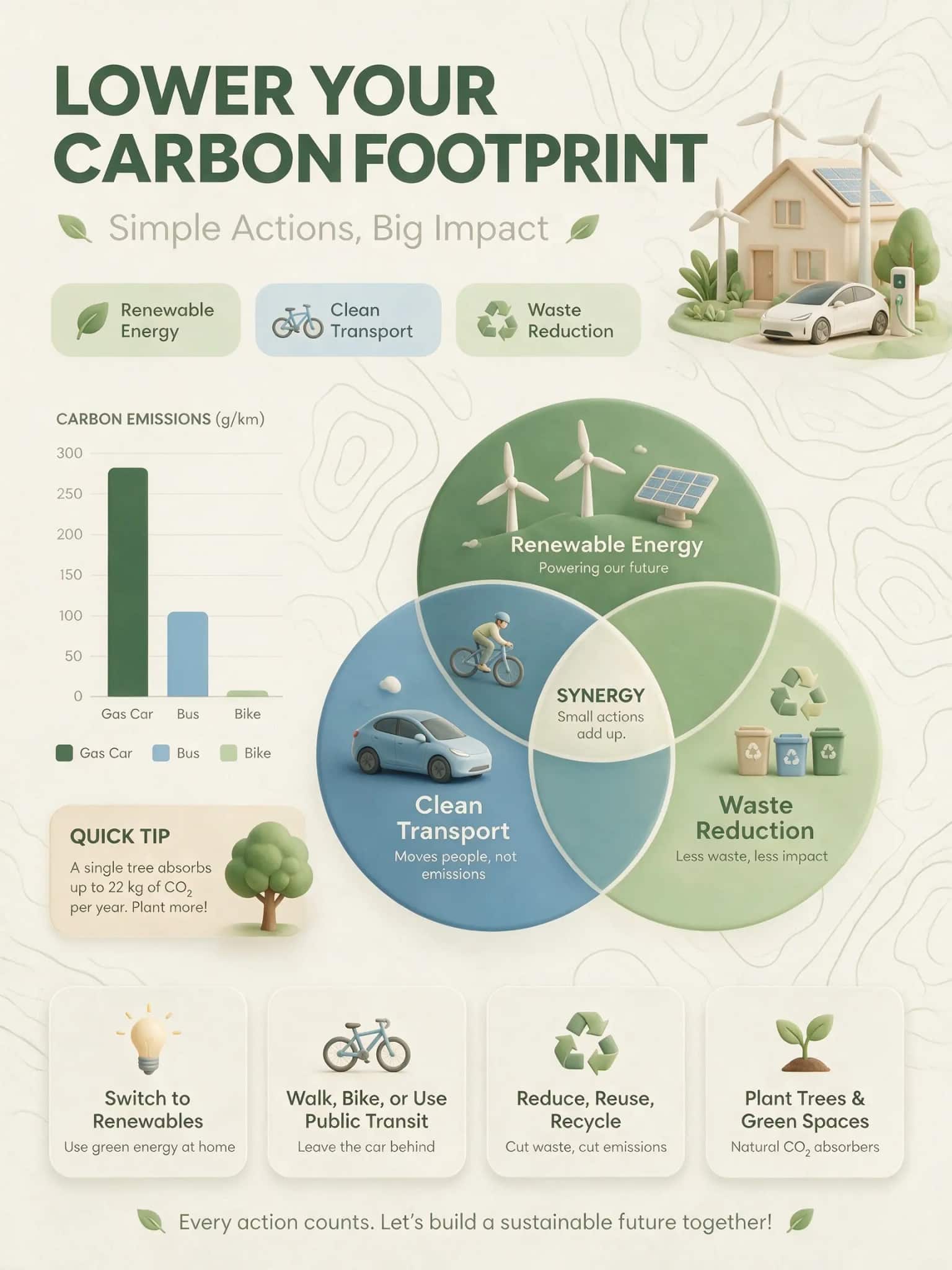
Convert product explainers, educational topics, and campaign briefs into structured visuals with sections, labels, hierarchy, and readable composition.

02

Edit by Marking the Image

Circle a region, draw an arrow, or sketch a rough idea. Layer separation and transparent PNG output help you refine specific elements for follow-up design work.

03

Create Realistic, Localized Visuals

Create realistic product scenes, portraits, posters, and localized campaign assets where visual quality and multilingual readability both matter.

For the upcoming model, describe exactly what to change and what to preserve. Check product geometry, facial identity, labels, and typography after every pass. Preview capabilities still require practical review.

Seedream 5.5 Use Cases: Campaigns, Products, and Posters

These use cases are written around real production decisions: what asset needs to be created, what reference material should be preserved, and what output will be reviewed by a buyer, client, student, or audience.

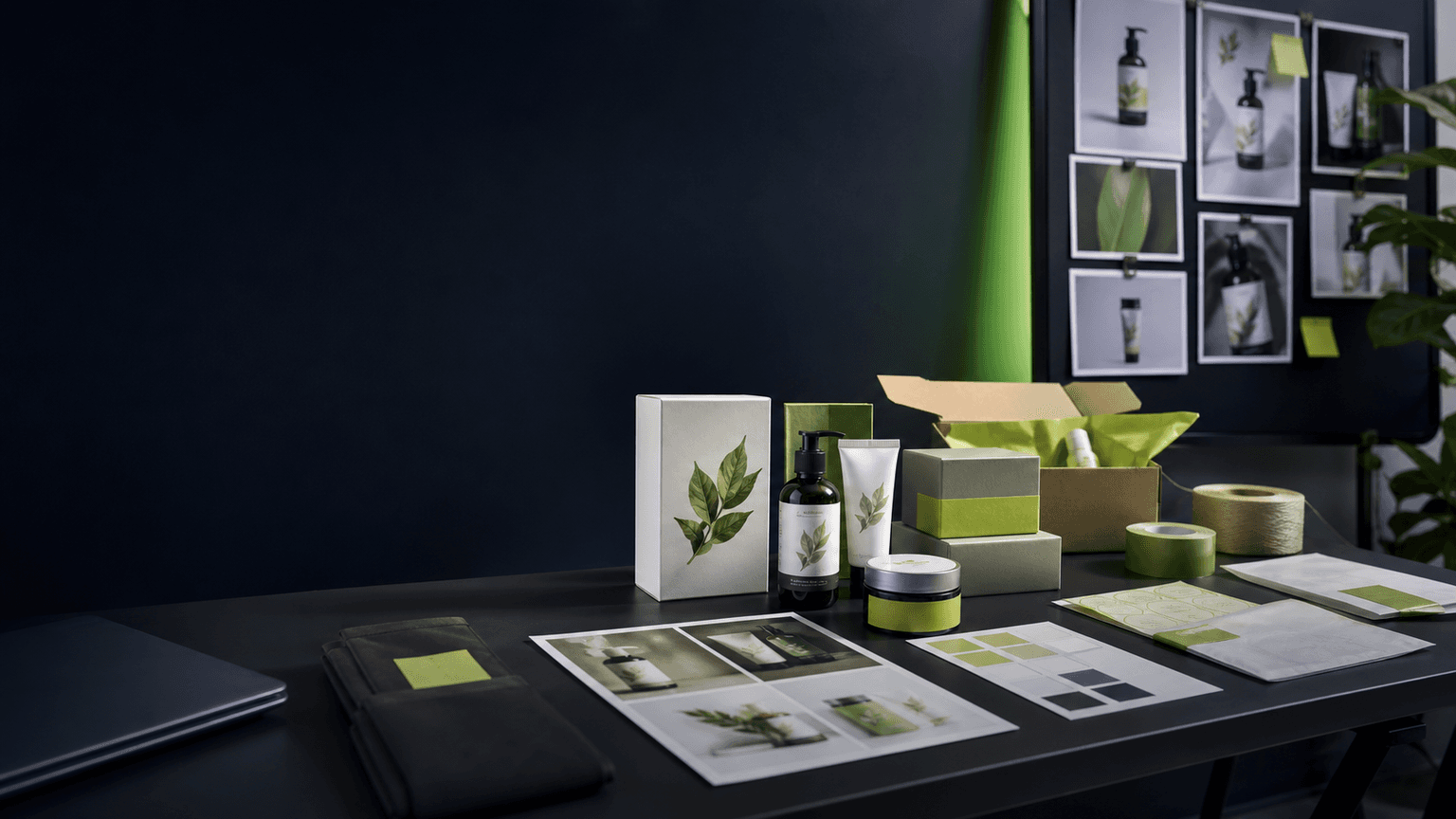
Dark ecommerce product photography setup for Seedream 5.0 Pro use case background

E-Commerce Teams

Create product heroes, lifestyle scenes, annotated selling points, and campaign variants with realistic image quality and focused edit control. A practical ecommerce workflow starts with one product reference, a clear buyer scenario, and a layout goal such as hero banner, product detail image, or seasonal promotion.

  • Use references to preserve product shape, color, packaging, and label placement.
  • Create variants for marketplace thumbnails, landing-page hero images, and ad creatives without changing the core product identity.
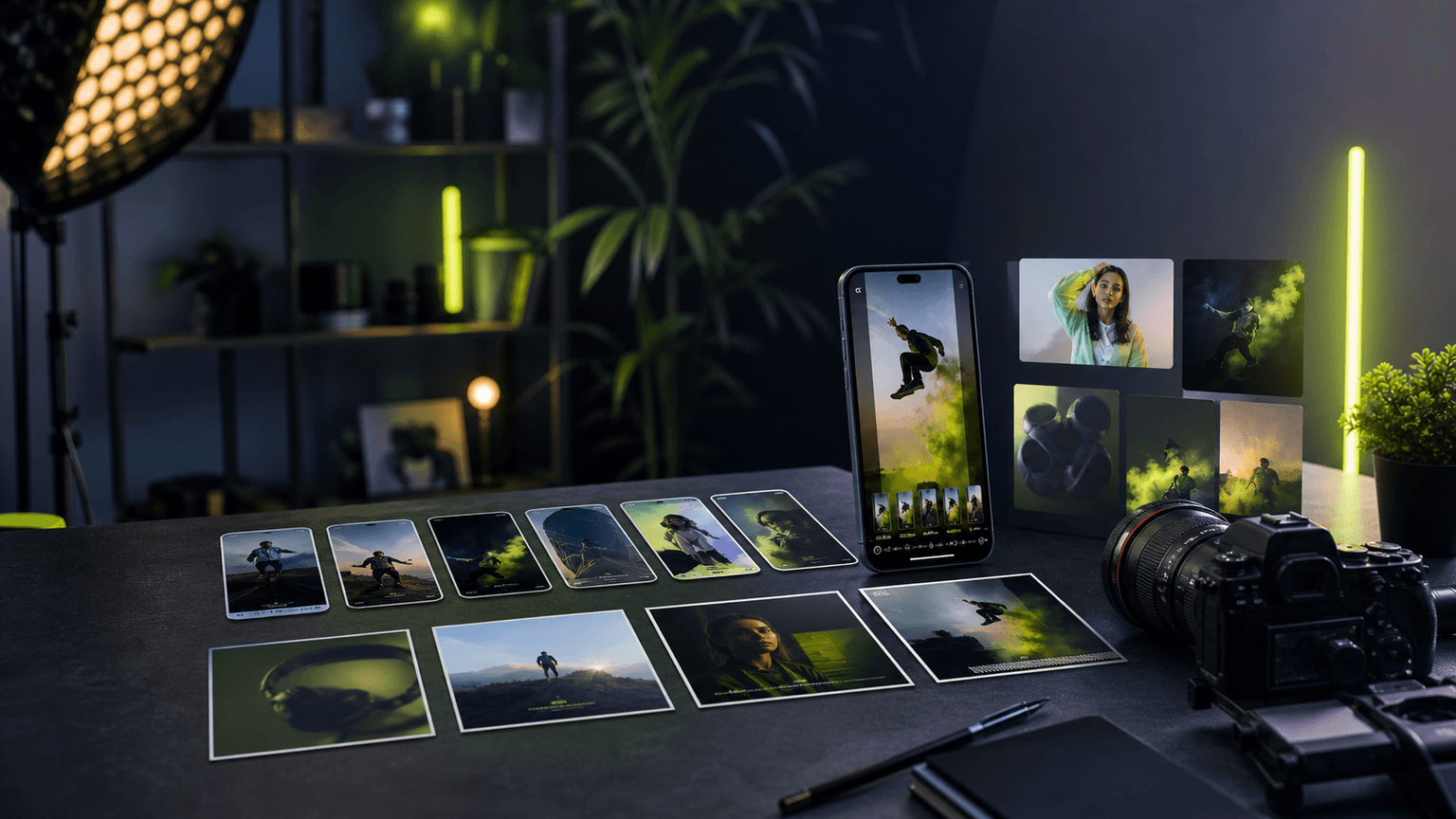
Dark social media creator studio with floating video frames for Seedream 5.0 Pro use case background

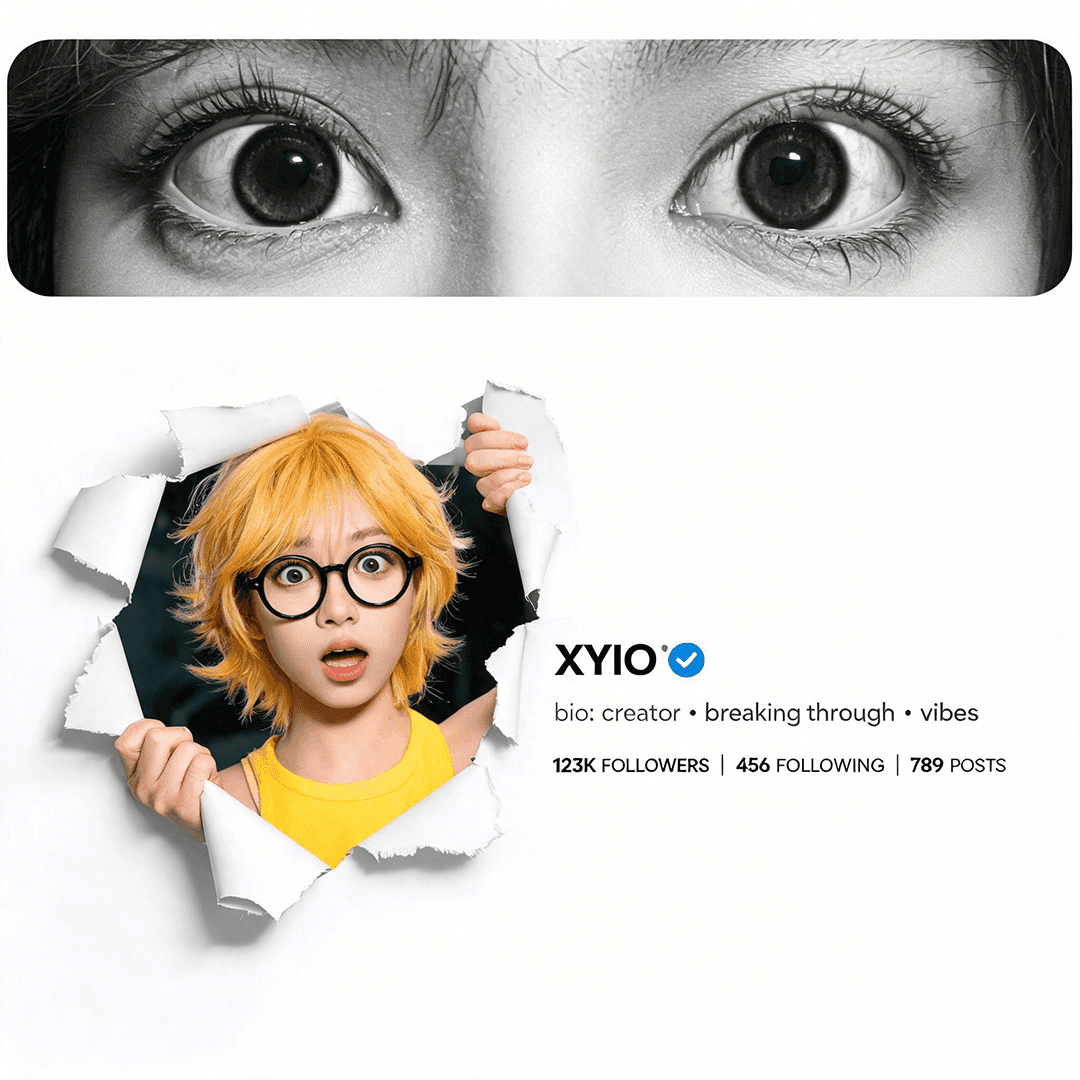
Social Media Creators

Produce 1:1 feed posts, 9:16 stories, and thumbnail frames with readable text, localized captions, and polished visual style. Social content benefits from fast variation testing because the winning image is often the one with the clearest hook, not the most detailed background.

  • Prompt for platform ratio, focal subject, short headline area, and safe margins for captions.
  • Use multilingual text support to test localized thumbnails or campaign versions before final design cleanup.
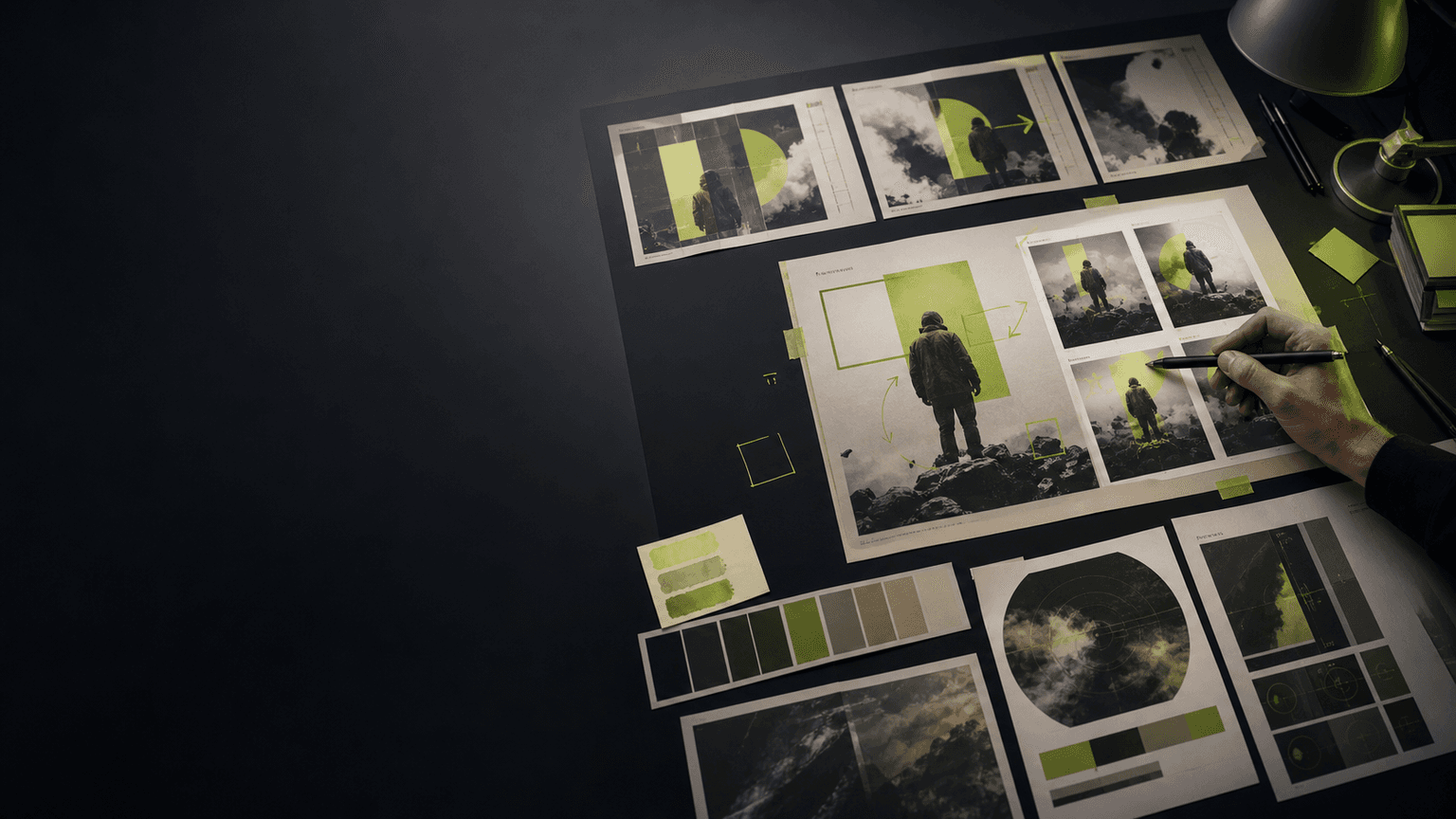
Dark brand marketing moodboard with poster layouts and color swatches for Seedream 5.0 Pro use case background

Brand & Marketing Designers

Spin up ad variants from a single brief: mark exact areas to edit, build dense layouts, revise headline copy, and preserve brand composition across campaign directions.

  • Use marked edits to change a headline area, prop, background, or layout block without restarting the whole image.
  • Create multiple campaign routes from one core visual while keeping the same brand mood, color palette, and composition.
Dark education publishing background with open book and infographic diagrams for Seedream 5.0 Pro use case

Educators & Publishers

Build labeled diagrams, infographic panels, and poster-style study materials where information structure, captions, icons, and reading order stay clear.

  • Prompt the model with sections, labels, reading order, and the target audience before asking for the final layout.
  • Use multilingual text support for localized classroom visuals, study sheets, explainer posters, and illustrated learning pages.
Dark game character concept art board for Seedream 5.0 Pro use case background

Game & Character Artists

Build character sheets, prop boards, and worldbuilding visuals with editable objects, labels, pose notes, costume details, and multilingual annotations.

  • Use references to keep character identity, costume details, props, and style direction consistent across variations.
  • Create concept sheets, item boards, environment mood frames, and localization-ready visual notes for a game pitch.
Dark agency presentation table with multiple creative boards for Seedream 5.0 Pro use case background

Agencies & Freelancers

Deliver client-ready comps faster by turning a client brief into visual routes, revision options, and export-ready assets under paid credit plans with commercial use.

  • Use draft rounds to show clients several visual directions before spending time on final polish.
  • Keep prompts, references, and exports organized so client revisions are easier to explain and reproduce.

Seedream 5.5 Pricing

Create with 5.0 Pro using the credit packs below. Seedream 5.5 is coming soon; its access and pricing will be announced separately.

Starter Pack
$9.9one-time
  • 99 Credits
  • $0.10 per credit
  • high-quality image output
  • All Seedream 5.0 Pro features
  • One-time payment
Best Value
Pro Pack
$29.9one-time
  • 330 Credits
  • $0.09 per credit
  • high-quality image output
  • All Seedream 5.0 Pro features
  • One-time payment
  • Best value
Ultimate Pack
$49.9one-time
  • 830 Credits
  • $0.06 per credit
  • high-quality image output
  • All Seedream 5.0 Pro features
  • One-time payment
  • Maximum savings
7-Day Refund
Money-back guarantee
Secure Payment
Powered by Stripe
24/7 Support
Always here to help

Start with the Starter Pack for one real test project, or choose Pro / Ultimate when you need repeated campaign assets, product variants, reference-guided edits, and export-ready final images.

One-time paymentCredits for high-quality image generationSecure paymentsEmail support

Taxes may apply based on your location and will be calculated at checkout.

Seedream 5.5
FAQ

Common questions about Seedream 5.5, including availability, preview features, export options, and the current workspace.

What is Seedream 5.5, and what is new?

Seedream 5.5 is ByteDance’s upcoming image generation and editing model. Its official preview covers transparent RGBA assets, focused revisions, text-rich layouts, realistic portraits, and intelligent lighting. These capabilities are aimed at projects such as product visuals, campaign artwork, stickers, and portrait edits. Seedream 5.5 is coming soon; this site currently provides the 5.0 Pro workspace. Explore the Seedream 5.5 preview.

Can Seedream 5.5 generate transparent PNG images?

The official preview describes fully transparent and semi-transparent RGBA generation. Ask for a transparent background and an alpha channel, then describe the subject and translucent details you need. Before compositing, check the downloaded file over different backgrounds and inspect its edges. A checkerboard drawn into the image is not actual transparency. Available export formats on this site will depend on the 5.5 integration at launch.

How do multi-round editing and intelligent lighting work?

For each edit, name the object or region, describe one change, and specify the details to preserve. Give reference images separate roles, such as subject identity, palette, or composition. The Seedream 5.5 preview also shows a lighting direction sphere, brightness and color adjustments, hard or soft light, and cinematic presets. Review faces, product labels, texture, and shadows after each revision. Those 5.5 lighting controls are not part of the current 5.0 Pro generator here.

Can I try Seedream 5.5 for free?

A free trial for Seedream 5.5 on this site has not been announced. The current generator uses 5.0 Pro and displays the trial eligibility or credit cost available to your account. Check the selected model and shown cost before generating. Existing trial credits or purchased packs should not be taken as a guarantee of future 5.5 access or unlimited generation.

How does Seedream 5.5 compare with GPT Image 2?

Choose using the work you need to finish. When 5.5 becomes available, compare both models with the same brief, references, and output requirements. Inspect transparent edges, text accuracy, product and facial consistency, and the number of revisions needed. Include actual cost and export options in your comparison. This site has not run a hands-on 5.5 comparison, so there is no evidence here for naming either model the overall winner.

Seedream 5.5 Is Coming Soon

Explore prompts and reference images with Seedream 5.0 Pro today. Seedream 5.5 availability and pricing on this site will be confirmed separately.

Secure checkout - 7-day refund guarantee - Commercial license on paid plans - 24/7 email support